Tools
Web apps
Spotify, WhatsApp, ChatGPT and more.
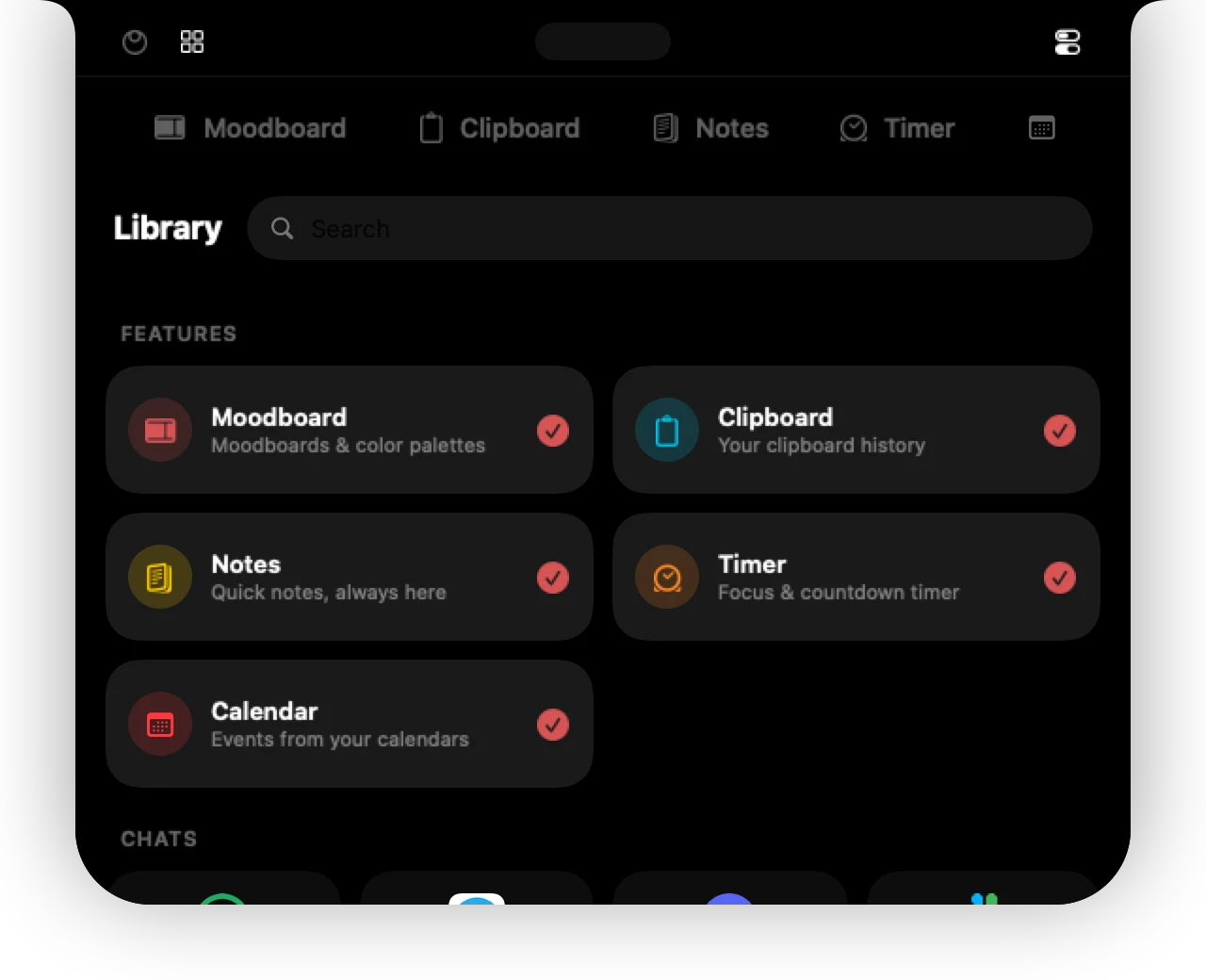
Web apps are real websites running inside the island, each one a tab. Open one from the tab bar, work in it, and move away – the island folds back into the notch. Apps keep their sign-in, so you stay logged in.
Available apps
Add any of these from the Library (the + at the end of the tabs).
| Chat | WhatsApp, Telegram, Discord, Slack |
|---|---|
| Music | Spotify, YT Music, Apple Music, SoundCloud |
| Social | Instagram, X, Reddit, YouTube, LinkedIn |
| Design | Pinterest, Dribbble, Behance, Are.na, Unsplash, Coolors, Mobbin, Savee |
| AI | ChatGPT, Gemini, Claude, Perplexity, Copilot, Grok, DeepSeek, Midjourney |
| Productivity | Google Calendar, Google Tasks, Gmail, Google Drive, Google Docs, Google Keep, Notion, Todoist, Translate, DeepL |
 Spotify
 WhatsApp
 ChatGPT
 Claude
 Pinterest
 Instagram
 Chat apps keep you posted
Pinned chat apps stay running in the background. A red badge on the tab counts unread messages, and the island opens briefly with a notice when a new message arrives.
Music mini player
Music apps get a compact player with artwork and controls. While something plays, the closed island shows it next to the notch.
Signing in
Use your normal email and password sign-in. Passkeys are not supported inside 01ST (macOS only allows them in full browsers), so sites show the password option instead. Sign-in with Google or Apple opens in its own small window and then returns to the app.
Back, forward, reload
A small control bar under each web app has back, forward and reload, plus a button to open the page in your browser.
Can't find it? Write to support@01st.app.