Tools
Timer
A focus timer you can drag.
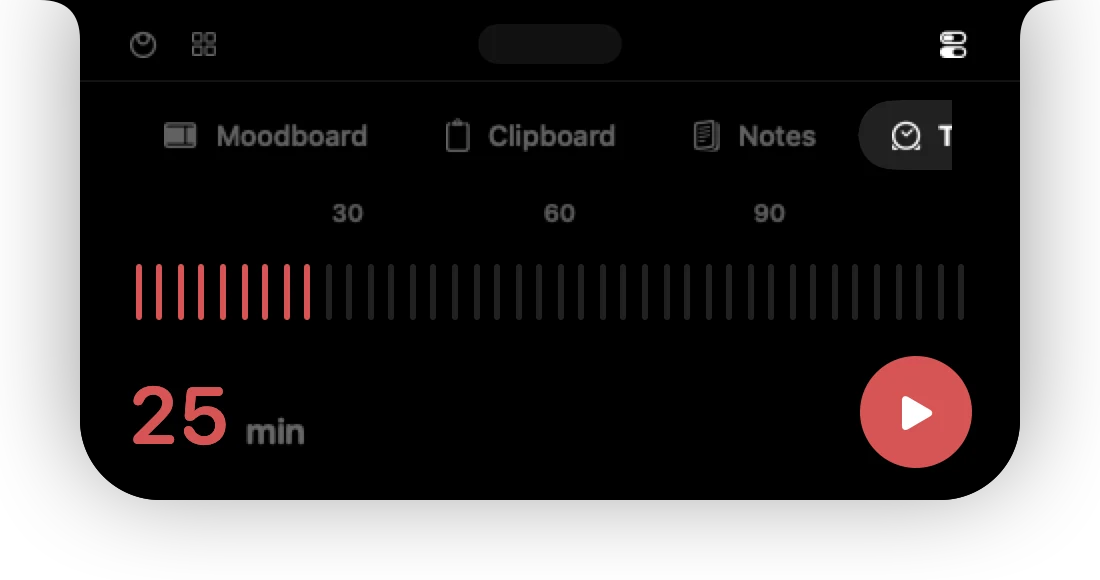
A countdown for focus sessions, cooking, calls — anything with an end.
Set the time
- Drag across the row of ticks. It shows the minutes as you go, with markers at 30, 60 and 90.
- Or type the minutes into the field (up to 999).
Run it
Press play to start and pause to hold. The reset button returns to your chosen time. You can't drag the time while the timer is running.
While a timer runs, its remaining time shows in the closed island and on the Home tab.
When time is up
The island opens briefly with a Time's up notice, even if you are working in another app.
Can't find it? Write to support@01st.app.