Account
Updates
How 01ST keeps itself current.
01ST updates itself. You never have to download a new version by hand.
How it works
- Once a day, 01ST checks whether a newer version exists.
- When one does, a card opens in the island with the version and what you can do.
- Updates are verified with a signature before they are installed, so only versions from us can install.
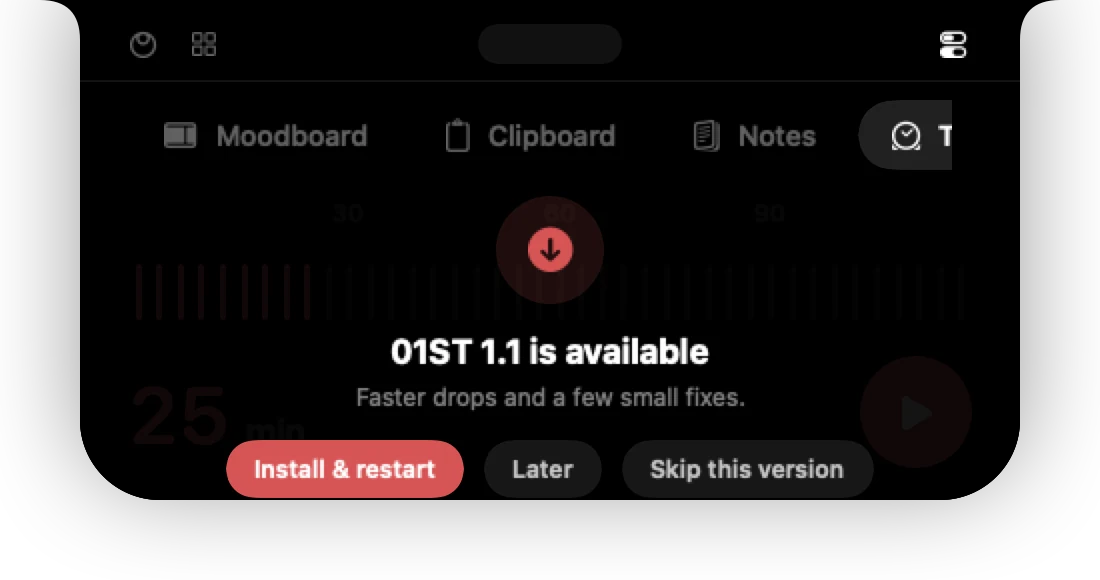
Install an update
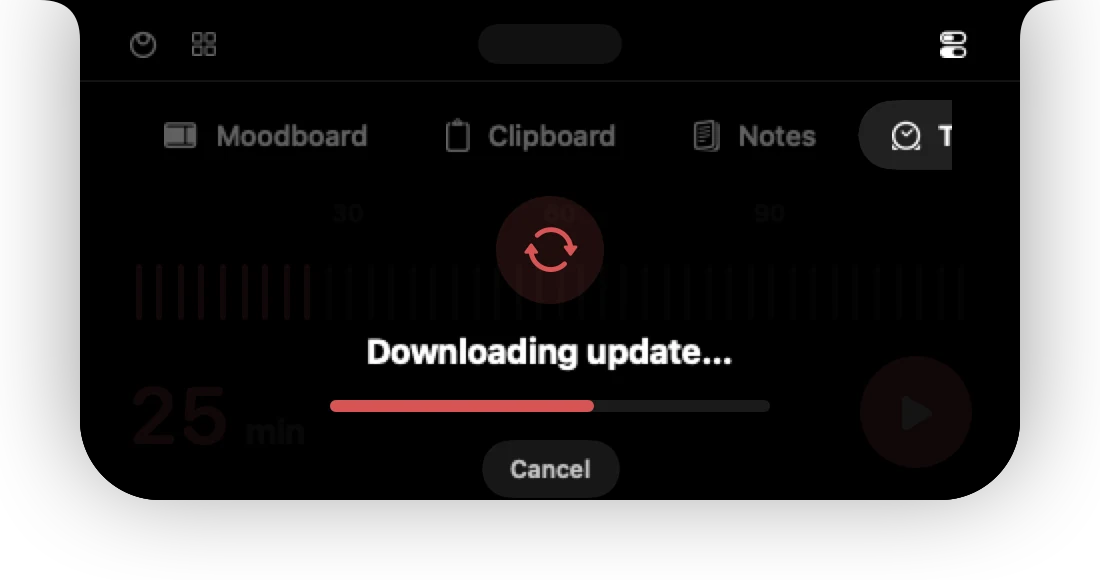
- Press Install & restart. 01ST downloads the update and shows the progress.
- It prepares the update, installs it and starts again by itself.
Choose Later to be reminded next time, or Skip this version to ignore it.
Check by hand
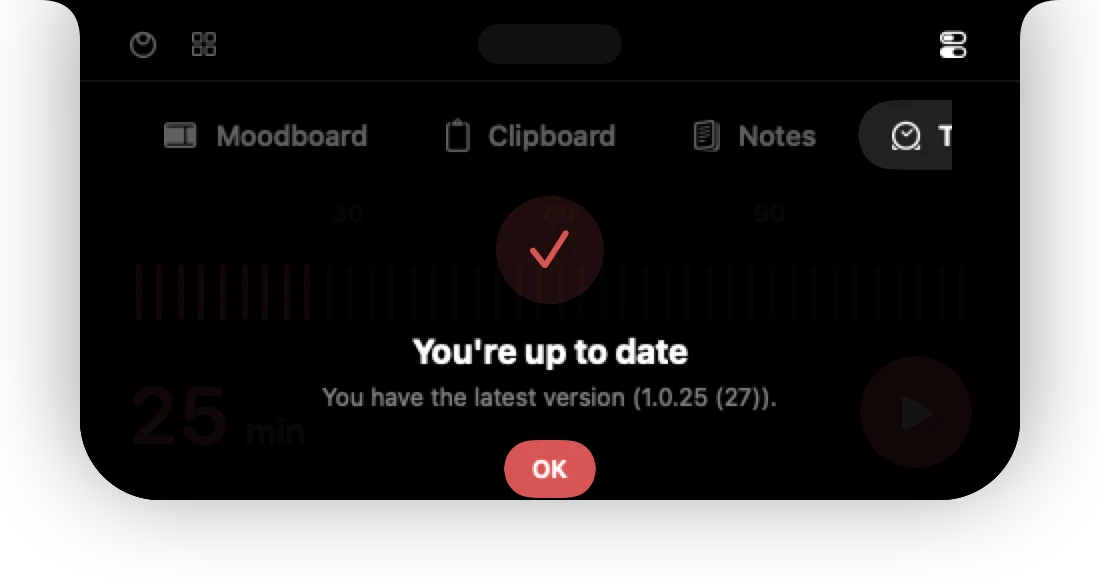
Settings → Updates → Check now, or right-click the menu bar button and choose Check for Updates…. If you are current, the card says You're up to date.
Turn automatic checks off
Switch off Check automatically in Settings → Updates. You can still check by hand.
See what changed in every version on the changelog.
Can't find it? Write to support@01st.app.