Tools
Calendar
Your Apple Calendar events.
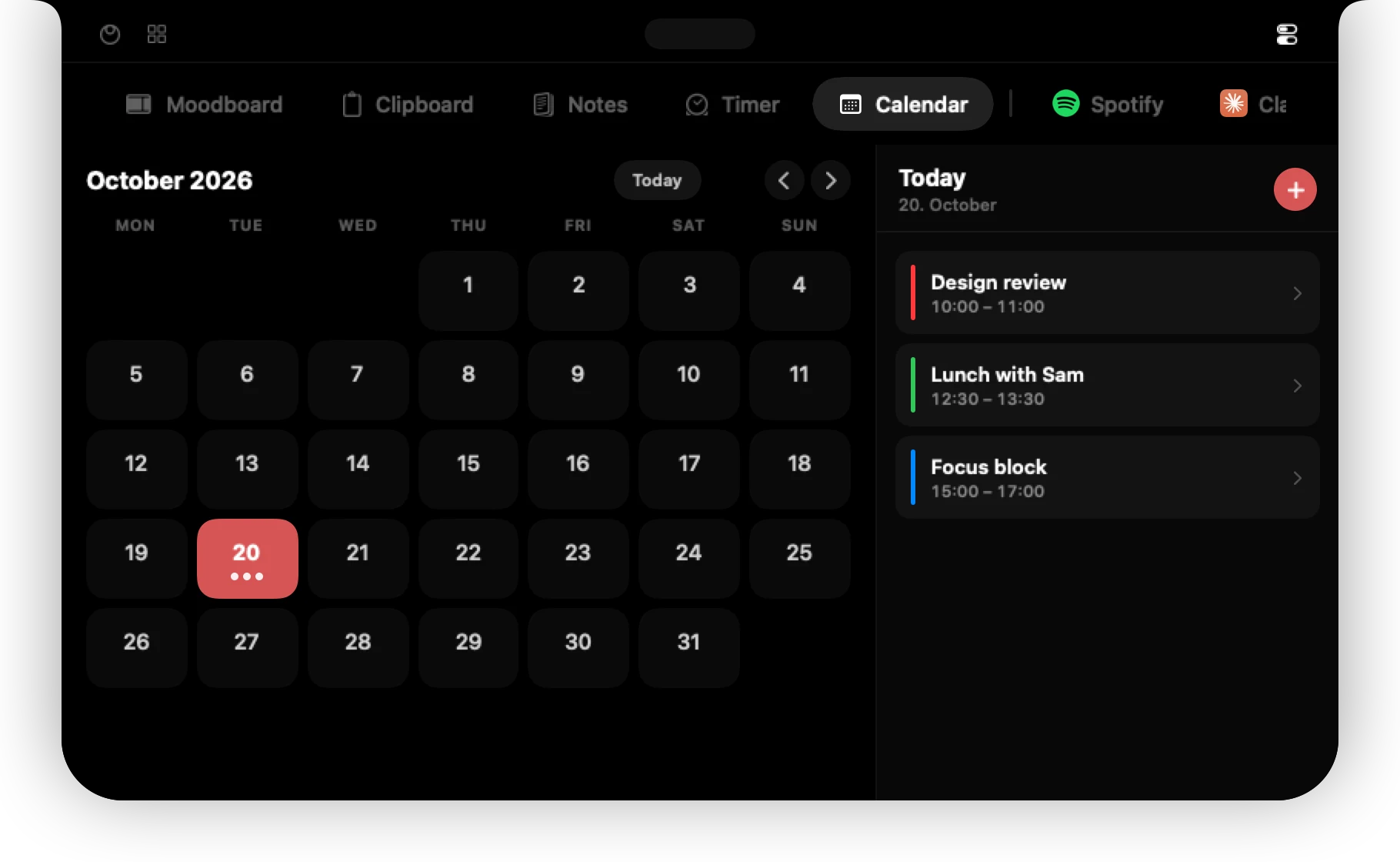
See your Apple Calendar events without opening the Calendar app.
Connect
Open the Calendar tab and press Connect Apple Calendar. macOS asks once for permission. Any calendar you already sync with the Calendar app (iCloud, Google, Exchange) appears here.
Find your way around
The month grid shows dots on days with events. Click a day to see its events on the right, use the arrows to change month and Today to jump back.
Work with events
- Press + to add an event. All-day events are supported.
- Right-click an event to edit or delete it.
Changes sync back to your calendars through macOS.
Permission denied by accident?
Open System Settings → Privacy & Security → Calendars and switch 01ST on.
Can't find it? Write to support@01st.app.