Tools
Notes
Quick notes that are always there.
Notes are for the things you want to jot down in two seconds and find again in three.
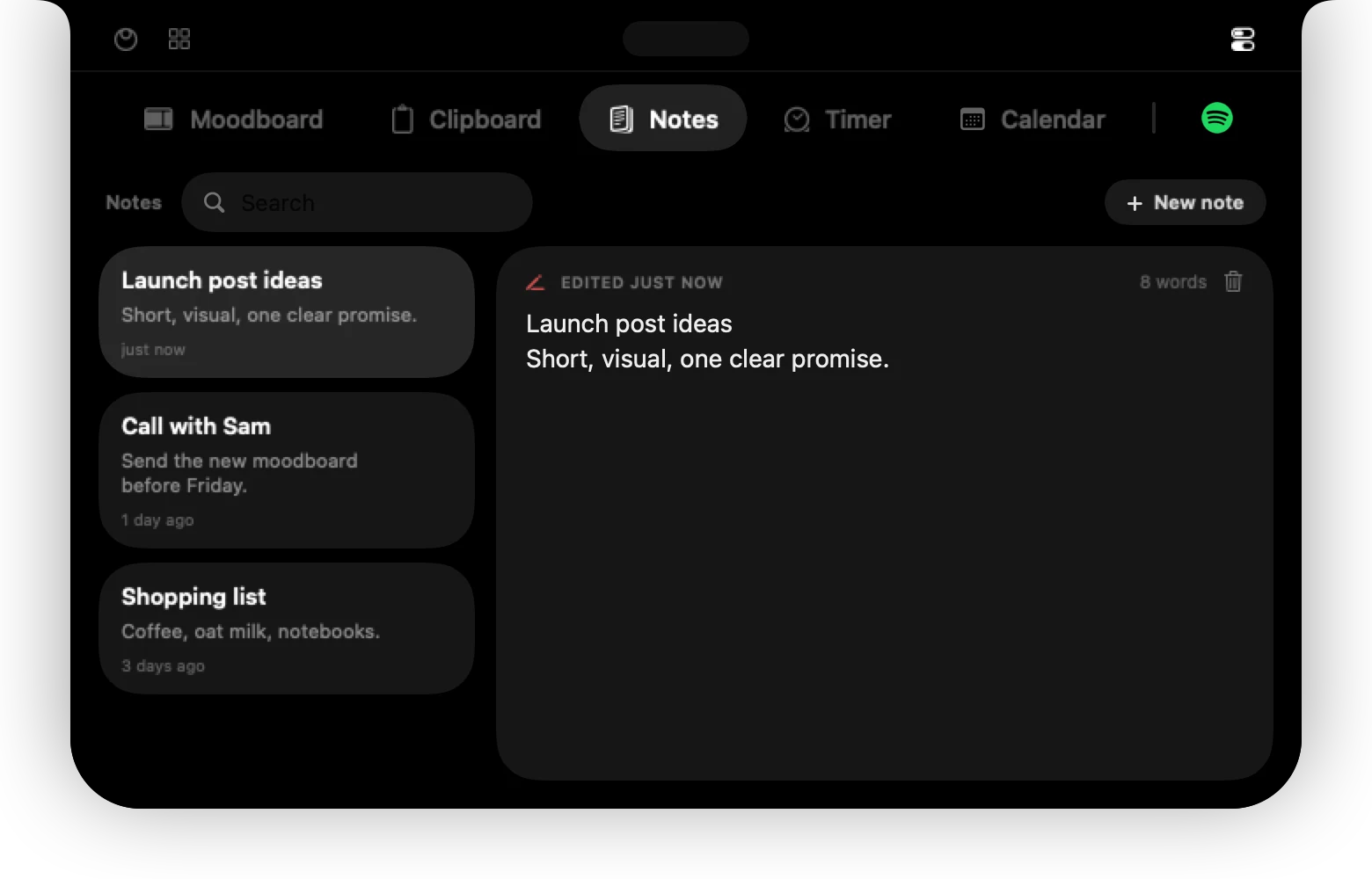
Write
Press New note, type, done. Notes save as you type. Each card shows when it was last edited.
Find
Use the search field to filter your notes; the number of matches appears next to the title. The most recently edited notes come first.
Notes are stored on your Mac only.
Can't find it? Write to support@01st.app.