Use it
Settings
How the island opens and where.
Open Settings with the slider icon at the right of the top row of the island. It has five cards.
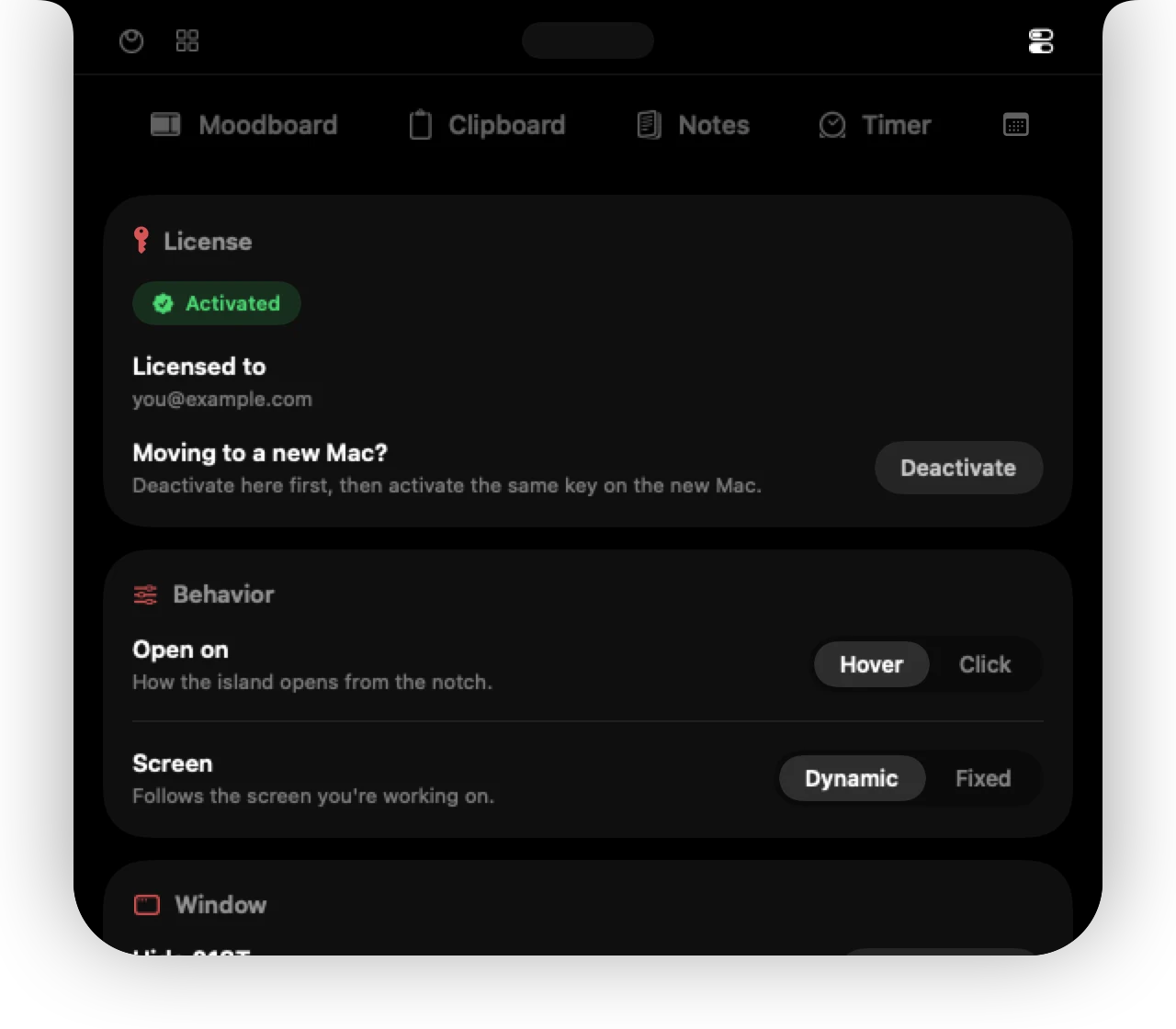
Licence
Shows your trial or licence status, lets you enter a key, and lets you move your licence to another Mac. See Licence & Macs.
Behavior
| Open on | Hover opens the island when you move to the notch. Click opens it only when you click. |
|---|---|
| Tabs | Show icon and text, only the icon, or only the text on the tab bar. |
| Screen | Dynamic follows the display you are working on and switches when you click on another one. Fixed keeps the island on a display you choose from the list. |
Window
Open at login starts 01ST when you sign in to your Mac.
Hide 01ST (⌥ H) makes the island invisible. Bring it back from the menu bar button.
Updates
Shows your version, when 01ST last checked, and Check now. Check automatically looks once a day. See Updates.
Help & legal
Starts the Welcome tour again, and links to these docs and the changelog, the Privacy Policy, Terms & Refunds and Imprint, and how to reach support@01st.app.
Can't find it? Write to support@01st.app.