Tools
Moodboard
Drops, groups and colour palettes.
The Moodboard is where your ideas live. Collect pictures the moment you see them, group them, pull colours out of them and drag them straight into your design tools.
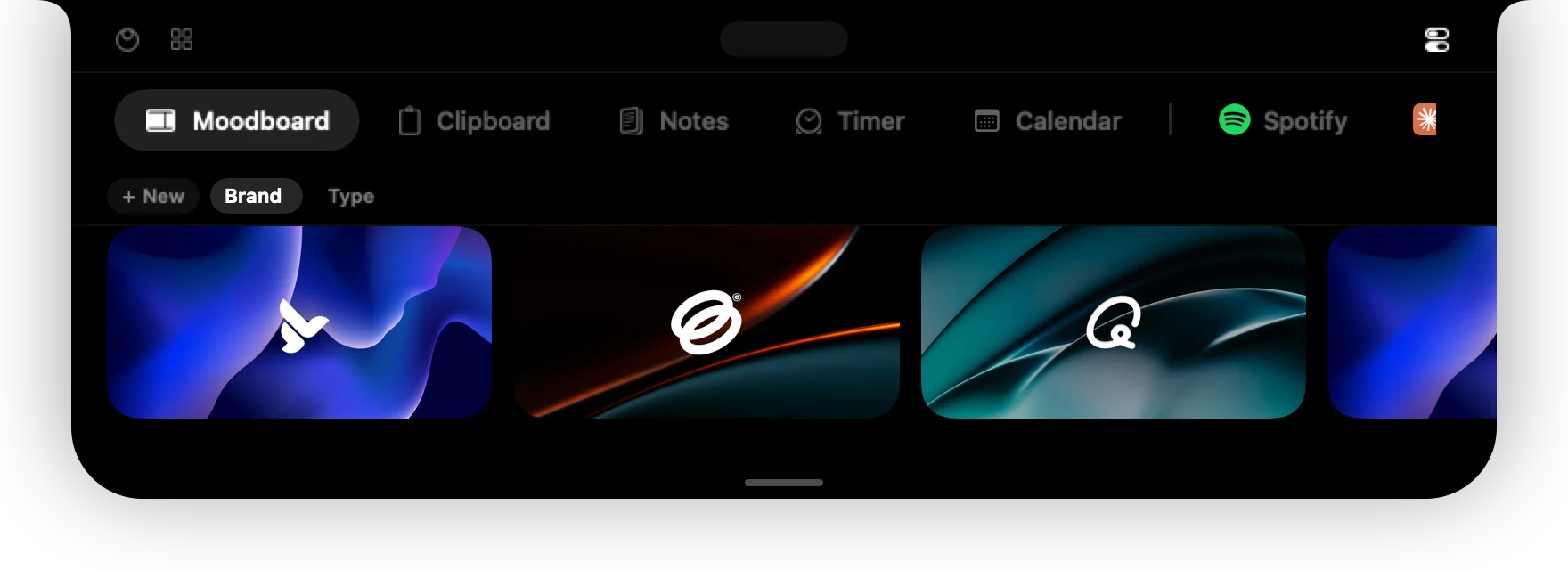
Add things
Start dragging anything from another app: an image, a link, a file, even selected text. A small Drop to save tile opens under the notch. Release on the tile and it lands in your board.

- Images and image files are saved as they are.
- Links from Pinterest, Instagram and other sites become the picture behind the link. If the site does not hand it over, 01ST uses the page's preview image, and as a last resort a link card with the address.
- Other files and text are saved as cards so nothing you drop gets lost.
Groups
Boards are made of groups. Dropping into an empty board creates Moodboard 1 for you. Press New to start another group and click a group to switch to it. Click a group's name to rename it, and use the small × on it to remove the group with its pictures.
Colours
Hover over an image and click the eyedropper icon to pull its palette. The colours appear as chips under the board; click a chip to copy its hex code.
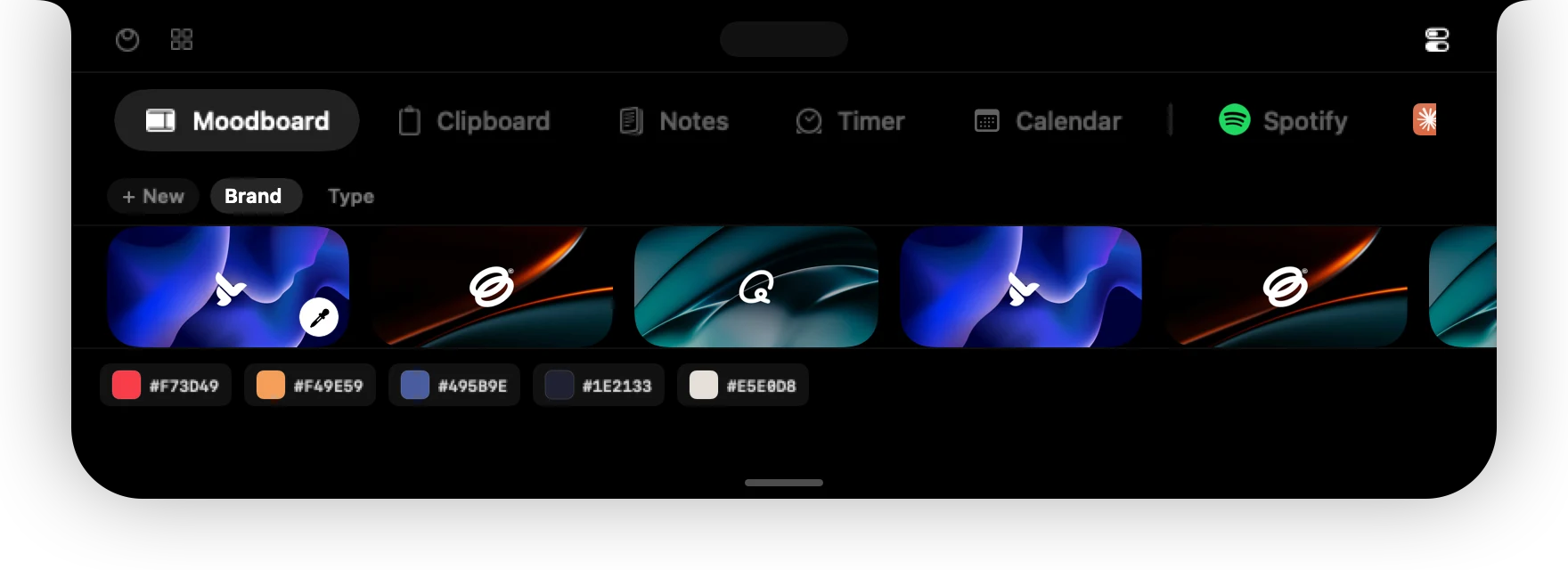
Arrange
Drag a picture left or right to reorder. Scroll sideways with your trackpad, or with a mouse wheel.
Use your images elsewhere
Drag a picture out of the board into Photoshop, Illustrator, Figma, Finder, Mail or a browser. It leaves as a real PNG file, so every app accepts it. The island stays open while you drag and closes when you let go.
To delete a picture, hover over it and press the small – button.
Can't find it? Write to support@01st.app.